

Social Media Content Request & Posting
Submit your request and start building your social channels below!
Submit your request and start building your social channels below!
Posting Best Practices:
Write Scannable Captions: Use emojis, short paragraphs, and clear spacing to make your captions easy to read.
Incorporate a Call to Action (CTA): Always tell the audience what to do next. Examples: "DM me for the private listing link!" or "Comment 'TOUR' to schedule a walkthrough!"
Engage Back Instantly: The algorithm favors posts with quick engagement. Reply to comments within the first hour of posting to boost your content’s visibility.
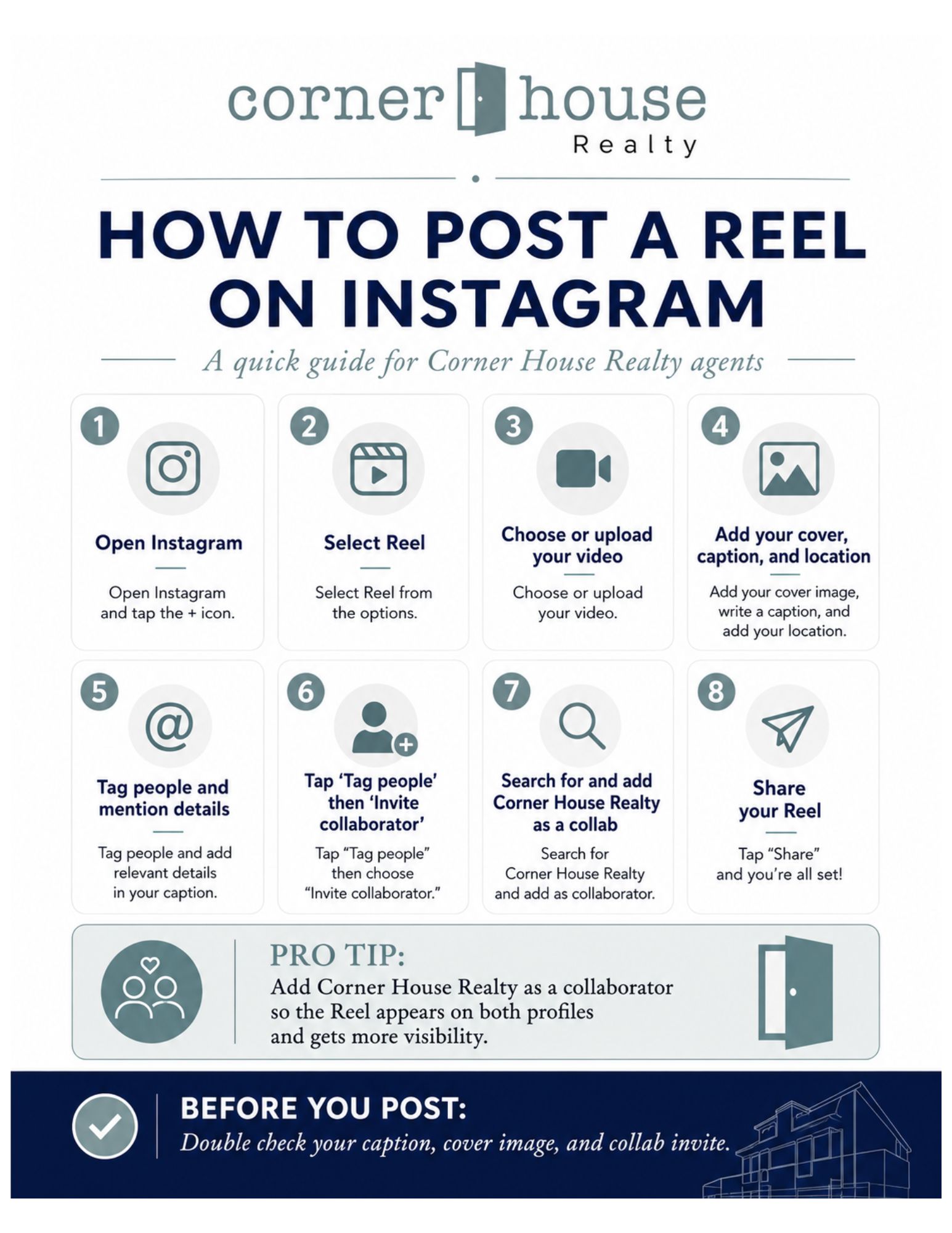
How to Add @cornerhouserealty as a Collaborator:
Get more views, easily!
Prepare your post, edit your media, and proceed to the final share screen.
Tap Tag people.
Tap Invite collaborators.
Search for @cornerhouserealty and select the official account.
Tap Done (or the checkmark) in the top-right corner, write your caption, and hit Share.
Compliance & Required Caption
To stay compliant, ensure your text template always concludes with these mandatory elements:
Your Full Professional Name & Title (e.g., Jane Doe, REALTOR®)
Your Direct Contact Information (Cell Phone and/or Email)
The Brokerage Office Phone Number (Ensure this is the official office line, distinct from your cell)
Listed by: Jane Doe, REALTOR®
Corner House Realty
📱 Cell: (555) 123-4567
📧 Email: [email protected]
📞 Office Phone: 443.499.3839
🏢 Broker: AJ Javed
Once you have great content, here is how to maximize your visibility for your posts.
Share My QR |
|